

Why I Needed the WOLFBOX G900 TriPro
Within just a few minutes of buying my new truck, I knew I needed a dash cam solution and the ability to see out the back of the vehicle because of a solid camper top made of fiberglass. I had no windows and the rear view mirror was useless. In August, I decided it was finally time to get back into a truck. I had owned a 2002 Toyota Tacoma for 15 years and sold it in 2021, transferring over to a Lexus LX470—basically a glorified Toyota Land Cruiser—which I owned for the last couple years. I had our son take the LX470 to college knowing it would be a safe vehicle for him.
Why I Chose the WOLFBOX G900 TriPro Bumper Edition?
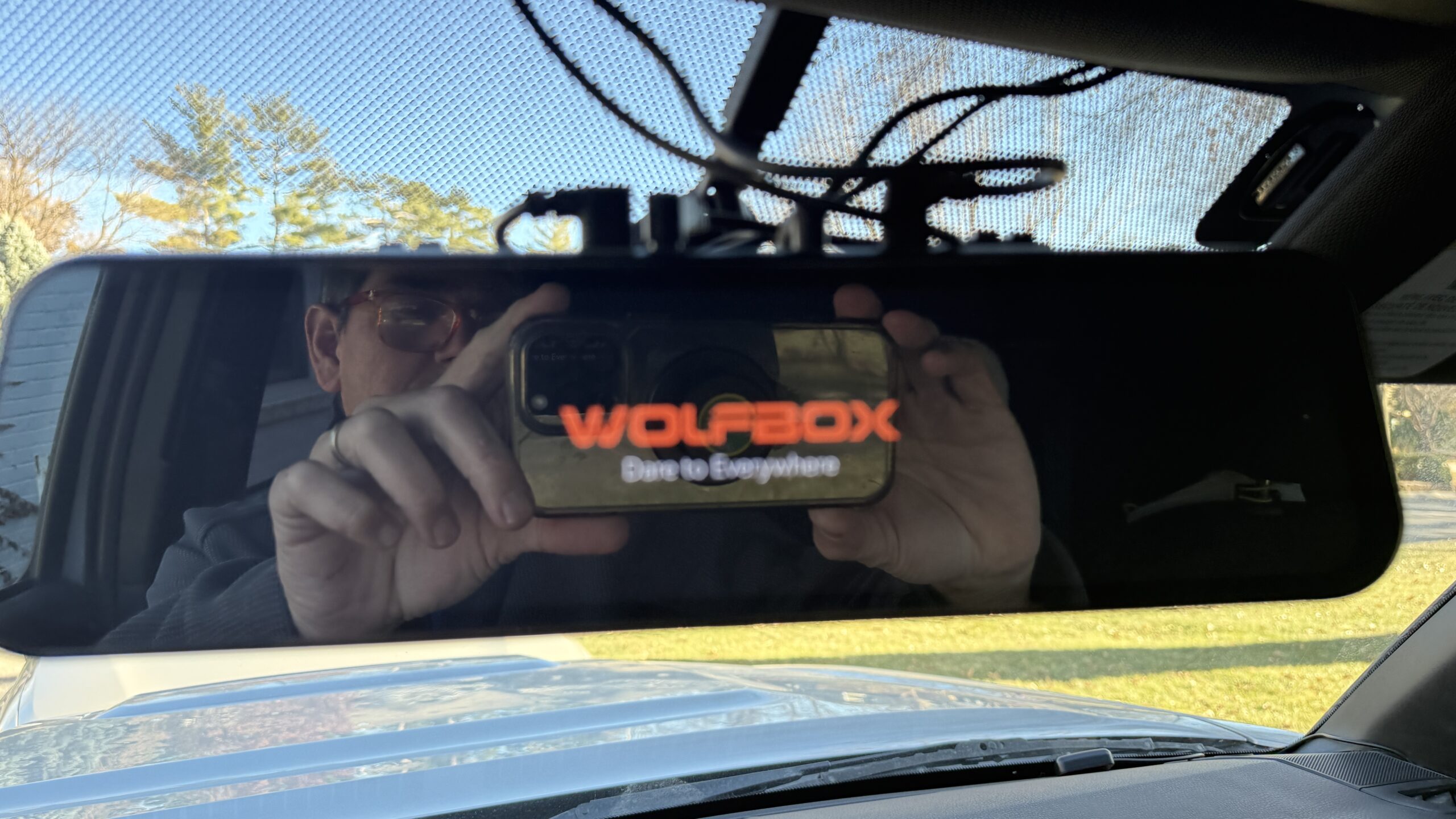
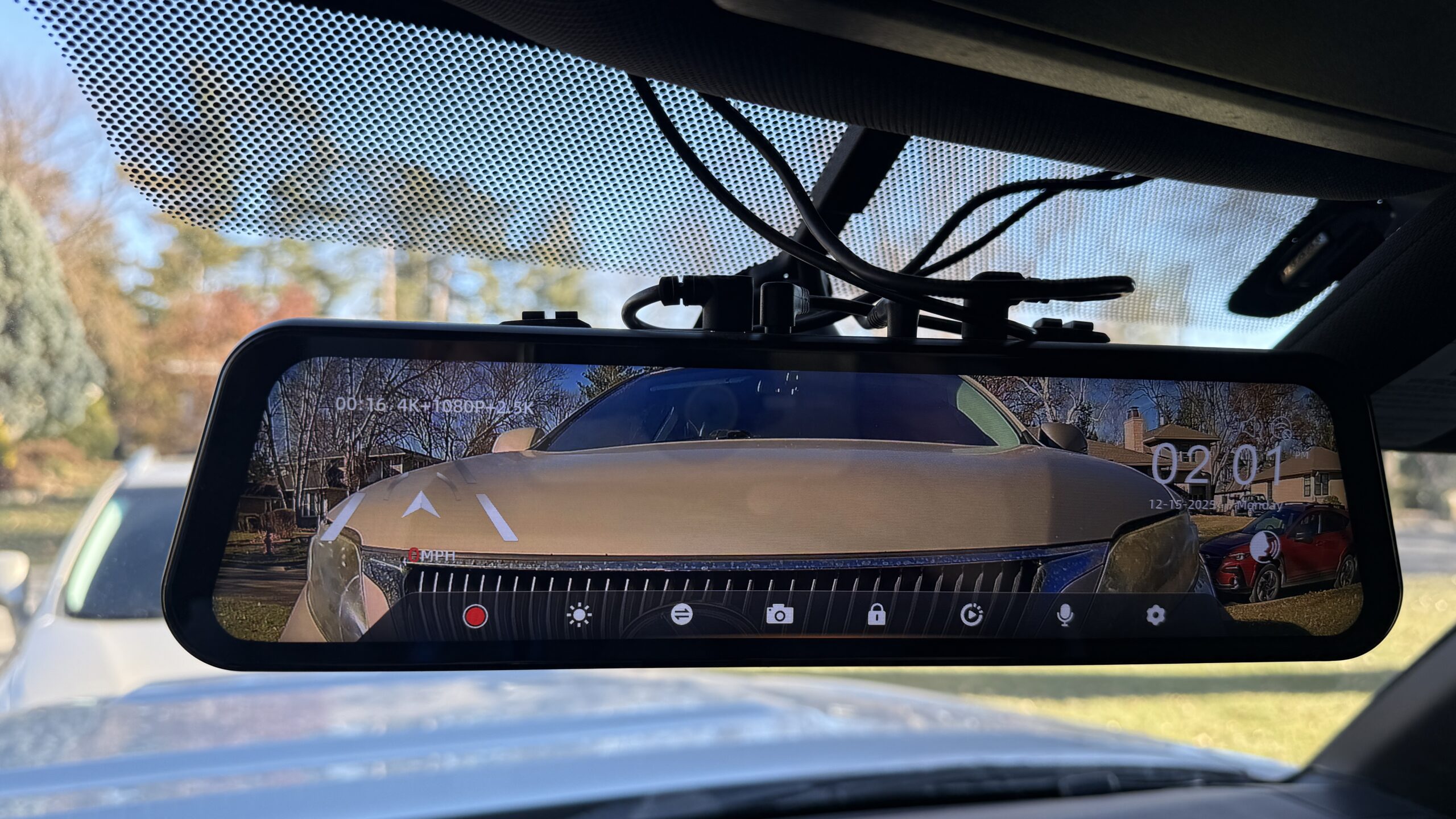
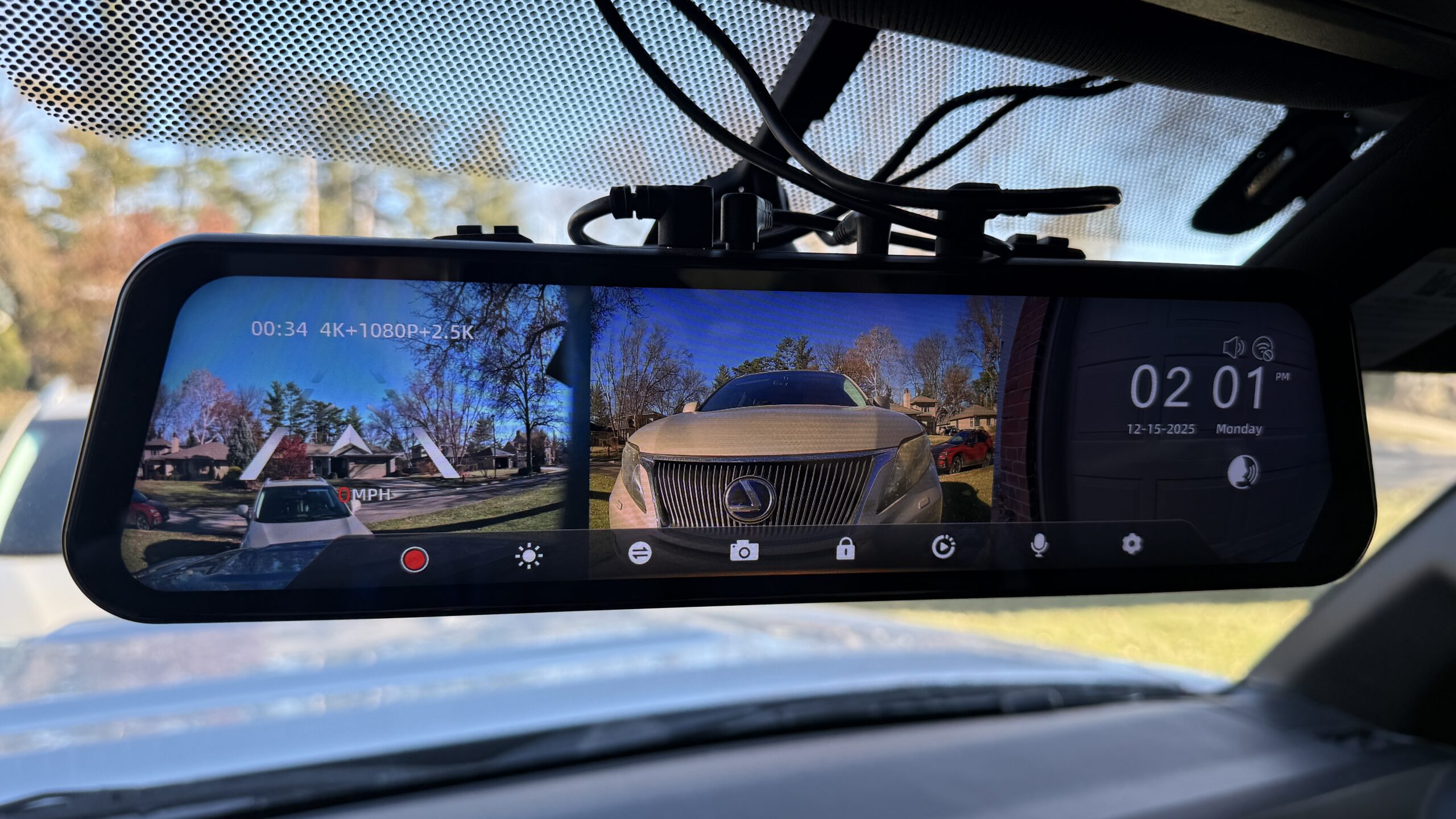
After extensive research in the overlanding community, I settled on the WOLFBOX G900 TriPro “bumper version.” This isn’t just a rearview mirror replacement—it’s a comprehensive 3-channel dash cam system that provides 4K front recording, 2.5K rear camera footage, and a dedicated 1080p bumper camera for close-in maneuvering and off-road use.
The system costs under $400, though I highly recommend adding the hardwire kit (approximately $30-40 additional) for true 24/7 parking mode functionality. Without it, you’re limited to recording only when your vehicle is running. I set the entire camera up and have been running it without the hardwire kit fully installed but at my next service outing, it is getting wired directly into the battery system via fuses and I will free up my in car charging system.
Installation Experience
I had the system professionally installed at Otto Performance, a local shop that has taken care of my vehicles for the last years. The installation took under 2 hours and required running cables from the mirror unit to both the rear camera (mounted above the license plate) and the bumper camera.
For DIY installers, expect to spend 2-4 hours if you’re comfortable removing interior panels and routing cables. The hardest part is running the rear camera cable cleanly through the headliner and down to the tailgate. The bumper camera installation is straightforward but requires drilling a small hole in your front bumper. When mounting these cameras, it is very important to have someone lining up the camera so that you can clearly see the road and the get the alignment correct, especially so you can utilize the camera for parking and rock crawling while off-roading.
Pro tip: If you have a long-bed truck or plan to tow a camper, contact WOLFBOX customer support because you may need the extra long cable which is easy to acquire.
Real-World Performance
Image Quality: Day and Night
The image quality is impressive across all three channels. The Sony STARVIS 2 front sensor delivers crisp 4K footage in daylight, and the night vision performance is noticeably better than a plain mirror. During a recent trip through Wyoming and Nebraska, the camera captured clear footage even on dark rural highways and on two track roads at night. It can get a little bit blurry when covered in rain and the cameras can get dirty quickly when off-roading through mud and rain puddles. Having some window cleaner and window cleaning wipes will keep you running clean and easily seeing everything.
The upgraded rear sensor (Omnivision OS04J10 with PureCel Plus technology) handles low-light conditions exceptionally well. Reviewers consistently note this is a significant improvement over earlier WOLFBOX models, and I can confirm—nighttime footage from the rear camera is detailed enough to read license plates several car lengths back. I also really appreciated the 170° view out of the rear camera because it almost eliminates blind spots off the back bumper and I can see much clearer what is beside the car when choosing to change lanes or backing up in tight spaces or when off-pavement.
The Bumper Camera Advantage
The bumper camera is where this system truly shines for off-road and overlanding use. When navigating tight trails in Wyoming, the 150° front bumper view let me see exactly where my wheels were positioned relative to rocks and ruts and gave me confidence to climb roads that I typically would not attempt on my own. This is invaluable when you’re trying to keep your truck on the trail and avoid expensive damage to your suspension or undercarriage and when you do not have a second person or are traveling in a caravan. I really appreciated being able to see exactly what was coming up in front of me while slowly navigating some really tight locations.
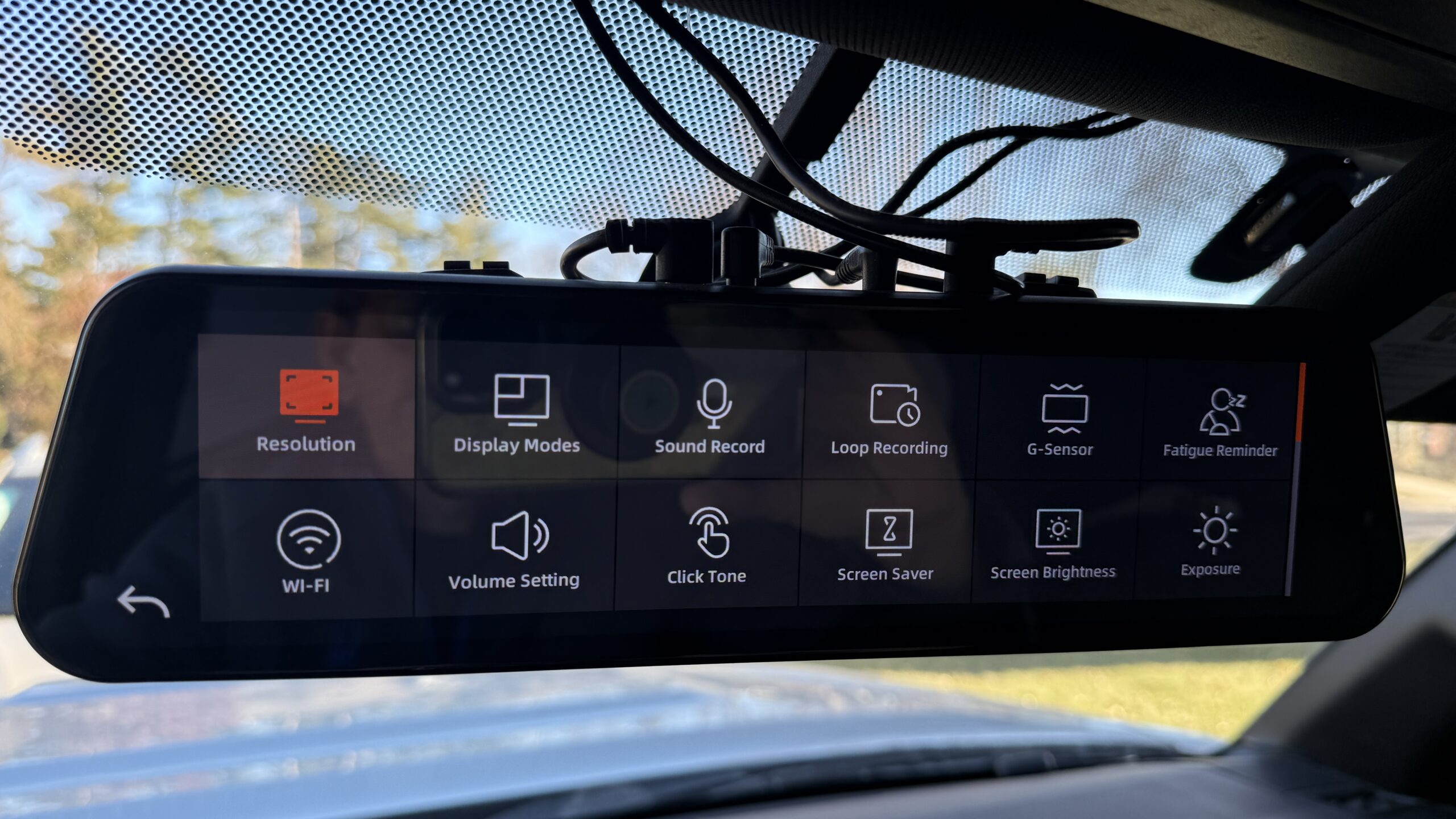
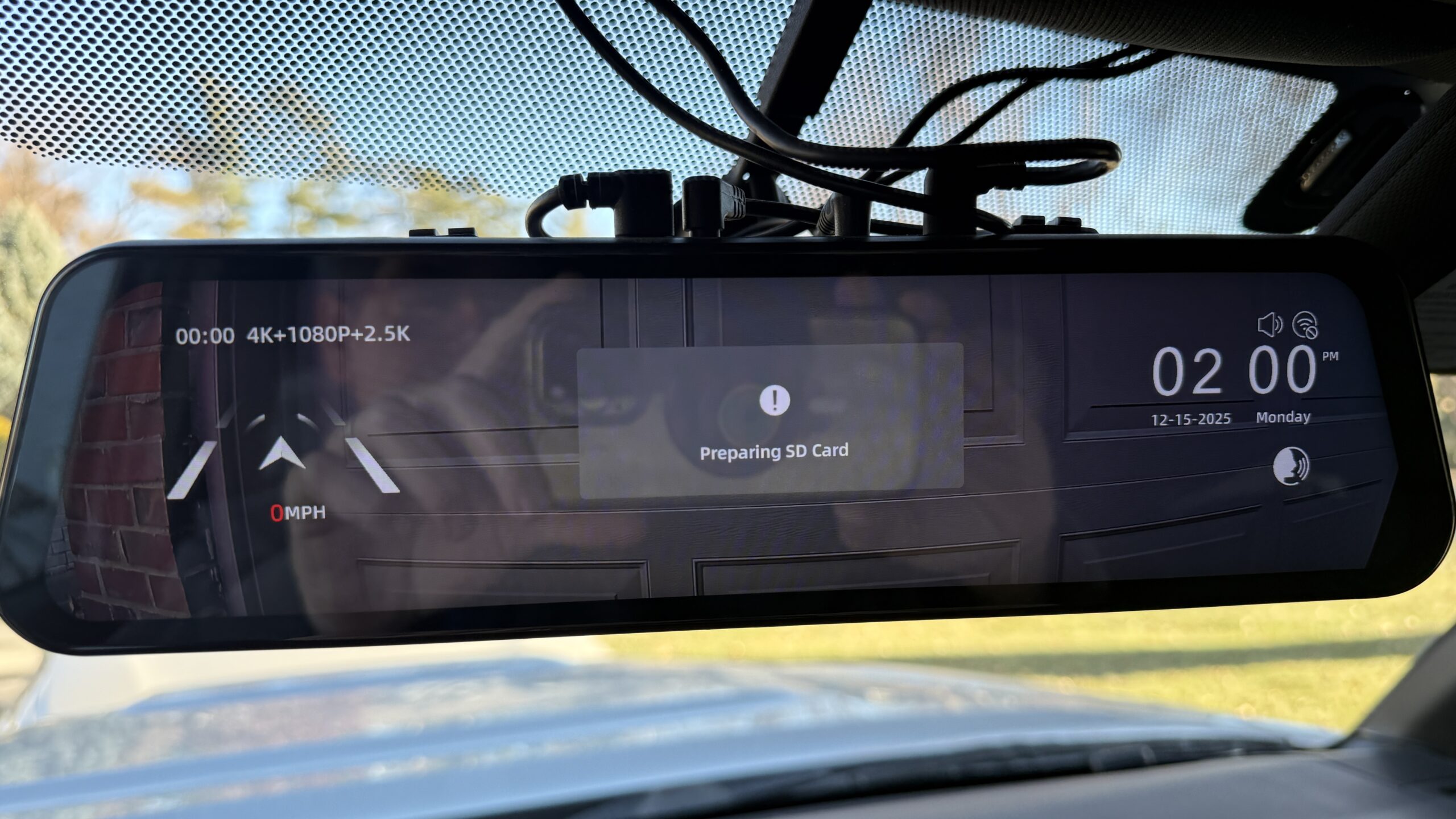
The touchscreen interface makes it easy to switch between views—swipe left or right to toggle between front screen, bumper screen, or full rear view or even a tri-split screen. You can also use voice commands while driving to change views or lock important clips without taking your hands off the wheel.
The App and GPS Features
The WOLFBOX app connects to the camera via Wi-Fi and allows you to:
- View live footage from all three cameras
- Download and share clips directly to your phone
- Adjust camera settings (exposure, parking mode sensitivity, etc.)
- Receive notifications when the G-sensor detects an impact
The built-in GPS logs your speed, coordinates, and route. Using the desktop player software, you can review footage synchronized with a Google Maps trace. This can be incredibly useful if you need to provide evidence to insurance or law enforcement. The GPS data is embedded in the video file, so it’s tamper-proof and admissible in most jurisdictions. If you are speeding, it is going to show that information as well.
Quick Specs at a Glance
WOLFBOX G900 TriPro Bumper Version
- Channels: 3 (4K front, 2.5K rear, 1080p bumper)
- Screen: 12-inch IPS touchscreen
- Viewing angles: 170° front, 150° rear
- Sensors: Sony STARVIS 2 IMX678 (front), Omnivision OS04J10 (rear)
- GPS: Built-in with route tracking
- Price: Under $400 (hardwire kit sold separately)
- Installation: Professional recommended (2-3 hours) though you can mount this on your own with some automotive experience
Memory Card Requirements
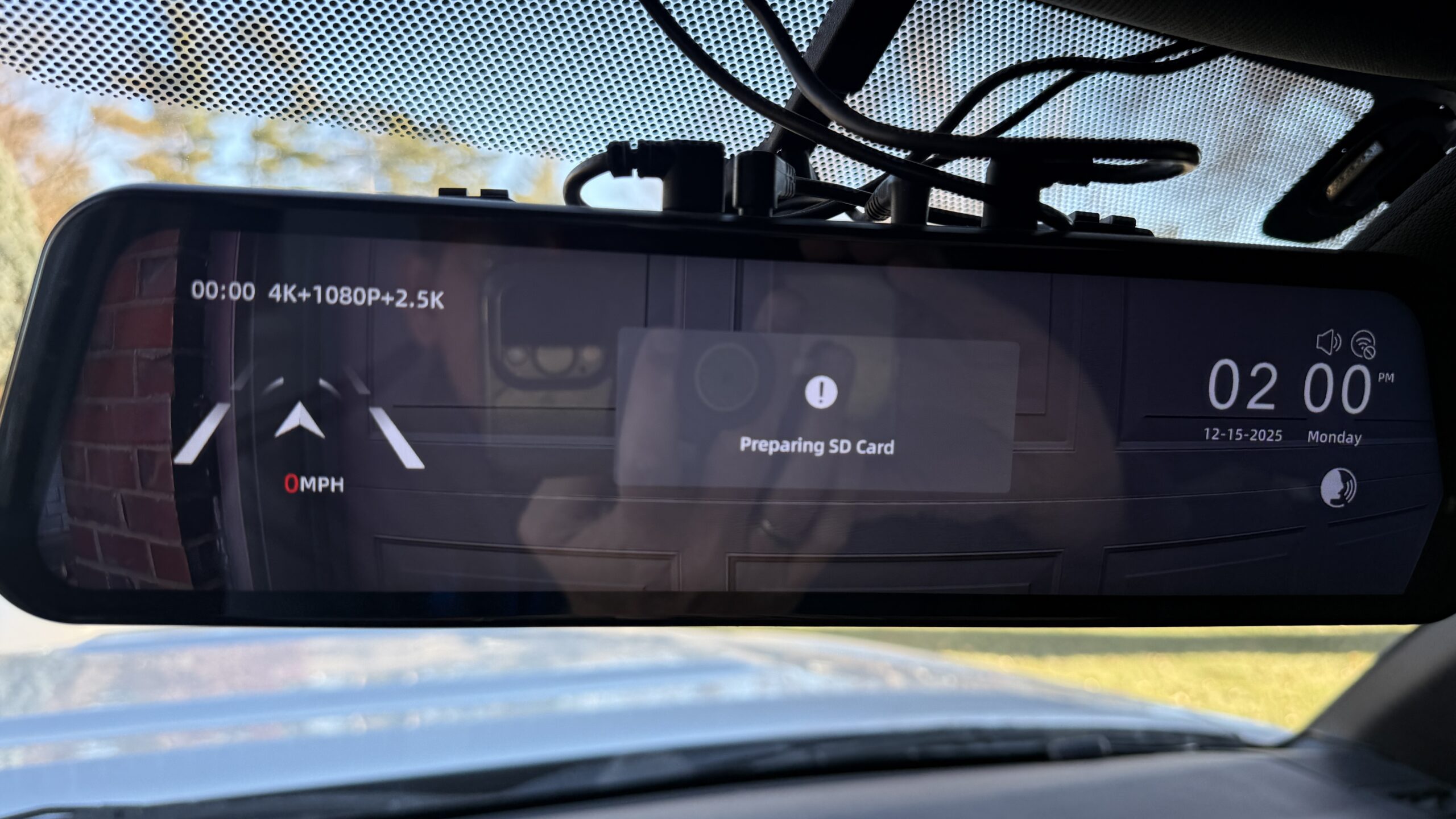
For reliable 4K + 2.5K + 1080p recording across three channels, I recommend a high-endmicroSD card rated for continuous recording. I’m using a 256GB Delkin POWER UHS-II (V90). If given the opportunity, I would purchase a 512 if I had to do it over again. The 256gb which provides about 8-10 hours of loop recording before overwriting old footage.
Care and Maintenance
Keeping the lenses clean is essential for optimal image quality. I keep microfiber cloths in the truck and wipe down all three cameras a few times a day if in muddy or rainy conditions or if I’ve been on dusty trails. The rear camera can struggle with water drops in heavy rain. This is common across most external cameras and you can try using a little RainX to keep water beading up.
Should you buy the G900 Tripro Bumper Version?
In my opinion, this is a solid yes. Buy this unit regardless of how well you see out your rearview mirror. The unit works as a dashcam and most people will never realize that is a dashcam protecting your investment from theft. Having this unit hardwired into your vehicle can help provide additional theft protection for your vehicle.
The increased 150 degree of view off the back bumper is worth the entire price of this camera. If you are frequently off-road having that front 170 degree of view allows you to keep your vehicle where you want it when off-road. l have had this unit now for 3 months. I have not had any issues with it at this point except it can get in the way of my sun visors as it is larger than my current rear view mirror.


Estimated reading time: 8 minutes

